Why we built specialized text-to-speech tools
Generic text-to-speech is fine for reading a paragraph back to you. It's not great when you're shipping a TikTok hook, recording an IVR menu, or recapping a two-hour movie. Different formats want different voices, different pacing, and different script structures.
Each AnyToSpeech use-case generator is the same studio-quality engine — 150+ realistic AI voices across 27 languages — wrapped in a UI tuned for one job. The TikTok generator nudges you toward punchy hooks. The IVR generator helps you write clear menu options. The movie recap generator handles longer, cinematic narration. You start closer to a finished voiceover.
Every tool is free to preview without signing up. Create a free account when you want longer audio, saved history, and access to cloned voices.
Text-to-speech FAQ
What is text-to-speech and how does it work?
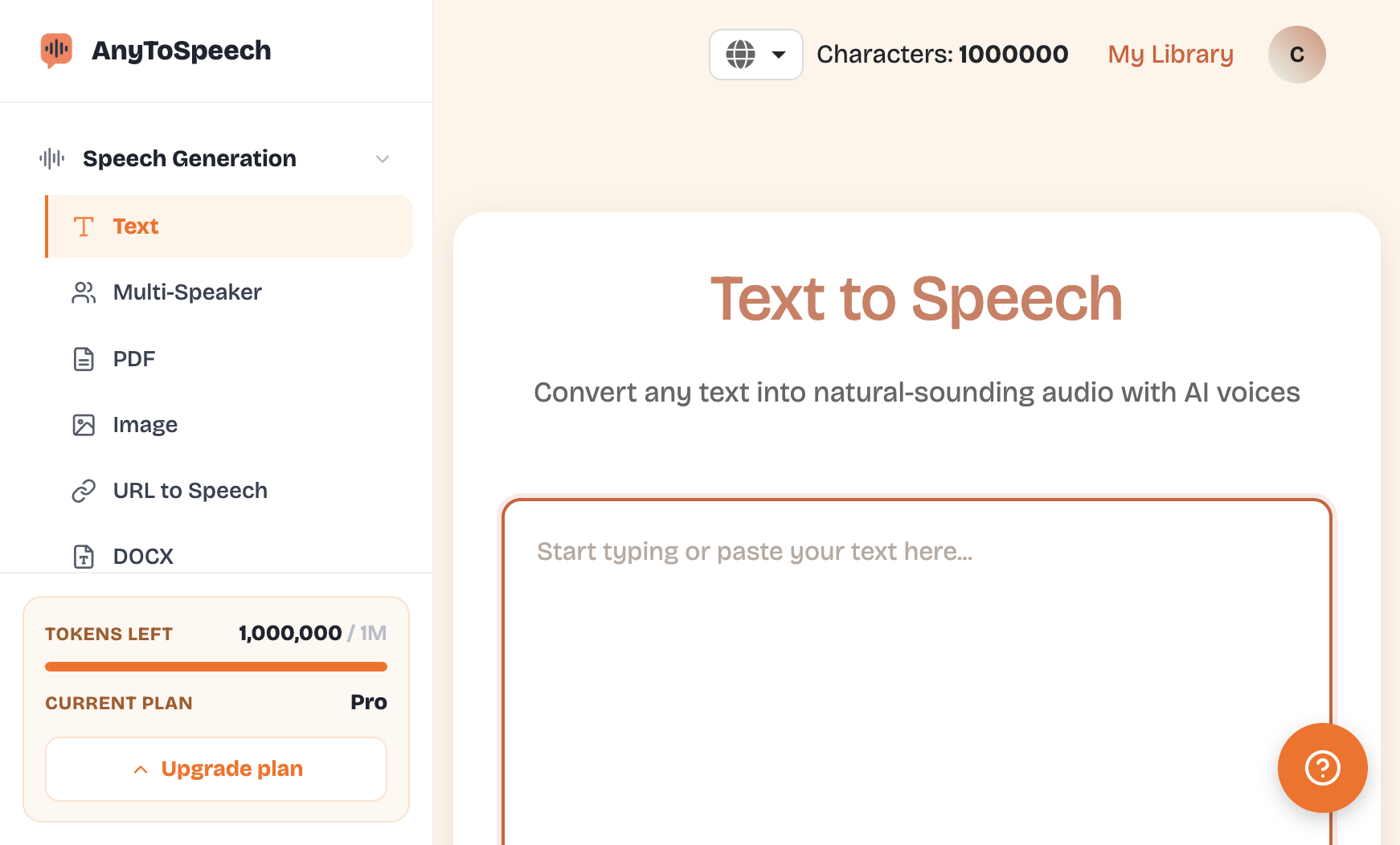
Text-to-speech (TTS) converts written text into spoken audio using AI voice models. You paste a script, pick a voice and language, and the system generates a downloadable MP3 in seconds. AnyToSpeech uses studio-quality voices so the output sounds like a real narrator, not a robot.
Are these text-to-speech tools really free?
Yes. Every tool ships with a free preview that doesn't require an account. There's a fair-use daily limit per IP. Create a free account to unlock longer scripts, saved history, and voice cloning.
Can I use the audio commercially on TikTok, Instagram, ads, or my business phone?
Yes. You can use the generated audio in monetized social posts, paid ads, IVR phone systems, and small business voice messages. For high-volume commercial use, review our terms or contact us.
Which tool should I start with?
If you're creating short-form content, start with the TikTok or Instagram Reels generator. If you're running ads, use Product Promo or Affiliate. If you're a small business, the IVR or Store Hours generator is the right fit. Faceless YouTube channels usually start with Movie Recap.

 Português (Brasil)
 Português (Portugal)
 Deutsch
 Français
 Español
 العربية
 Italiano
 Nederlands
 日本語
日本語 Русский
 Türkçe
 Hrvatski
 Svenska
 Čeština
 한국어
한국어 Ελληνικά
 Polski
 ไทย
ไทย עברית
עברית Dansk
Dansk Suomi
Suomi Norsk
Norsk Română
 Українська
 Bahasa Indonesia
 中文 (简体)
 中文 (繁體)
 Tiếng Việt
 Filipino
 हिन्दी


 AnyToSpeech