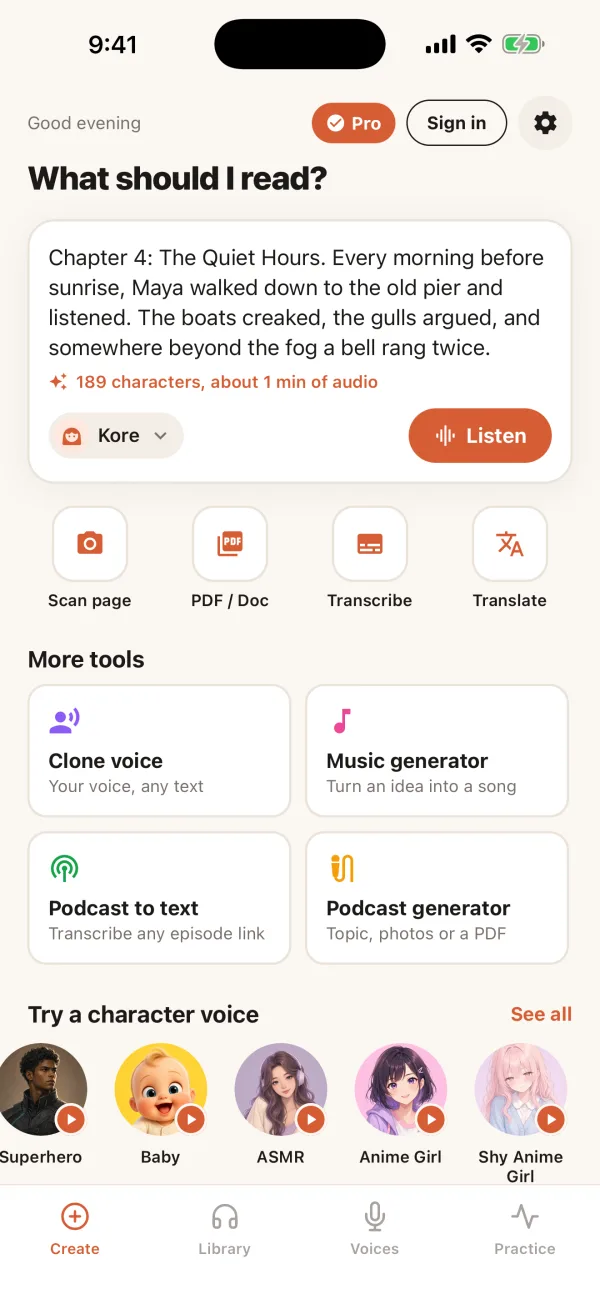
Generate speech, transcribe, translate, and analyze your voice — all in one place.
Trusted by over 500,000 users worldwide
or jump straight into a tool
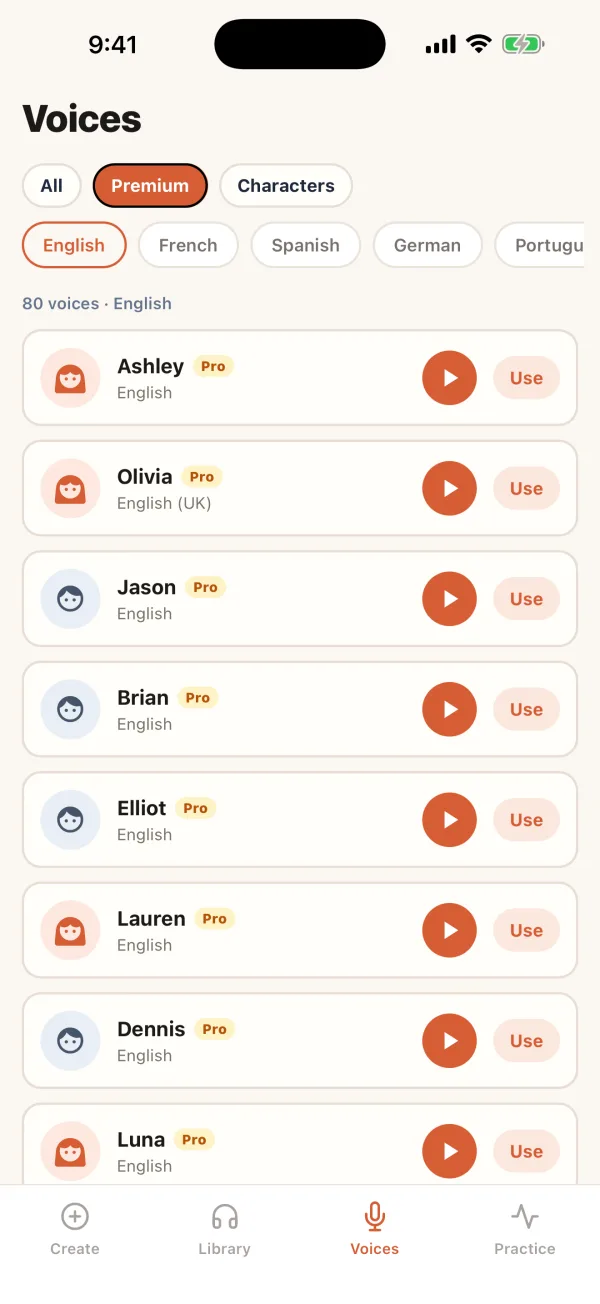
Click play to hear any of our natural-sounding AI voices
 Olivia
Premium
Female
 Elliot
Premium
Male
Dennis
Premium
Male
Record a short clip and get instant feedback on singing, accent, pronunciation, and more.
Clone your voice in 30 seconds, or design a new one from text — then use it across every tool.
Record three short clips. In about 30 seconds your AI clone is ready to use across TTS, PDFs, and more.
Describe a voice in plain text, preview AI options, and save the one you like — no mic needed.
Connect your account once, then ask your AI assistant to turn text and PDFs into audio, transcribe recordings, clone voices or make podcasts, all on your existing plan.
Type your script and preview character AI voices — free to try without an account.
Monthly subscription. Cancel anytime.
Billed monthly. Yearly saves 40%+.
I had a large PDF I wanted as an audiobook with minimal effort. AnyToSpeech let me do just that — the voice felt close to a human reading, and I was listening the same day.
Converting my PDF book to audio was straightforward, turnaround was fast, and support actually helped when something went wrong. That alone set it apart.
Checked the voice quality and style first. Really good — natural enough that I stuck around and kept converting.



Transform your PDFs into real mp3 audios! Listen to your documents anywhere. Enjoy your documents on the go.
Convert your PowerPoint presentations into high-quality audiobooks with natural-sounding AI voices.
Convert any webpage content into audio! Listen to articles, blogs, and more while you're on the go.
Extract text from images and convert it to speech! Perfect for reading signs, documents, and more.
Upload audio or video files and get accurate transcriptions. Translate your transcriptions to multiple languages. Free users get 50 minutes/month. Perfect for transcribing meetings, interviews, podcasts, and videos.
Extract text from images and translate to 30+ languages! Perfect for translating signs, menus, documents, and more.
Upload audio or video files and get instant translations to 30+ languages powered by AI.
Describe a song or paste your lyrics — get two original takes with vocals or keep it instrumental. Download the MP3 and save it to your library.
Generate a natural two-speaker podcast from a topic brief or a pasted script. Pick the host and guest voices, choose the length, and get a polished MP3 you can share or download.
Upload a PDF and we'll turn it into a natural two-speaker podcast with intro music and a polished MP3.
Drop a PPTX and we'll read every slide, write a two-person dialogue, and ship a polished MP3.
Upload a photo, screenshot, or document image and get a natural two-speaker podcast MP3 back.
Free to download on iPhone and Android.


No sign-up required. Use any of these tools completely free.
AnyToSpeech converts written text into natural-sounding audio using advanced AI technology. You can convert plain text, documents, or PDFs into speech with various voice options and download the result as an MP3 file.
Simply upload your PDF file using our PDF to MP3 converter, select your preferred voice, adjust the speaking rate if needed, and click "Convert." Once processing is complete, you can download your audiobook as an MP3 file or listen directly in your browser.
Our service supports multiple formats including plain text, PDF, DOCX, TXT, and more. Our PDF to MP3 converter is especially popular for turning documents, books, and research papers into audio content.
Our text to speech technology uses advanced neural networks to create highly natural-sounding voices that closely resemble human speech, with proper intonation, emphasis, and pacing.
Yes! You can try our text to speech for free, no registration or credit card required. This allows you to test the quality before purchasing.
All unused characters roll over to the next month. Your character allocation is renewed every month, and any remaining characters are added to your new monthly allocation.
Our PDF to MP3 converter can handle documents of various sizes. The conversion time depends on the document length, but our system is optimized for efficiency.
Yes! You can select from multiple voices with different accents and tones.
All our plans are monthly subscriptions. You get your character allocation renewed every month, and any unused characters roll over to the next month. You can cancel anytime.
If you haven't used the service, all payments are fully refundable within 7 days, no questions asked. Simply contact our support team for assistance.
We're here to help! Use the chat button on this page for support and feature requests.
 Português (Brasil)
 Português (Portugal)
 Deutsch
 Français
 Español
 العربية
 Italiano
 Nederlands
 日本語
 Русский
 Türkçe
 Hrvatski
 Svenska
 Čeština
 한국어
 Ελληνικά
 Polski
 ไทย
 עברית
 Dansk
 Suomi
 Norsk
 Română
 Українська
 Bahasa Indonesia
 中文 (简体)
 中文 (繁體)
 Tiếng Việt
 Filipino
 हिन्दी