What is AnyToSpeech MCP?
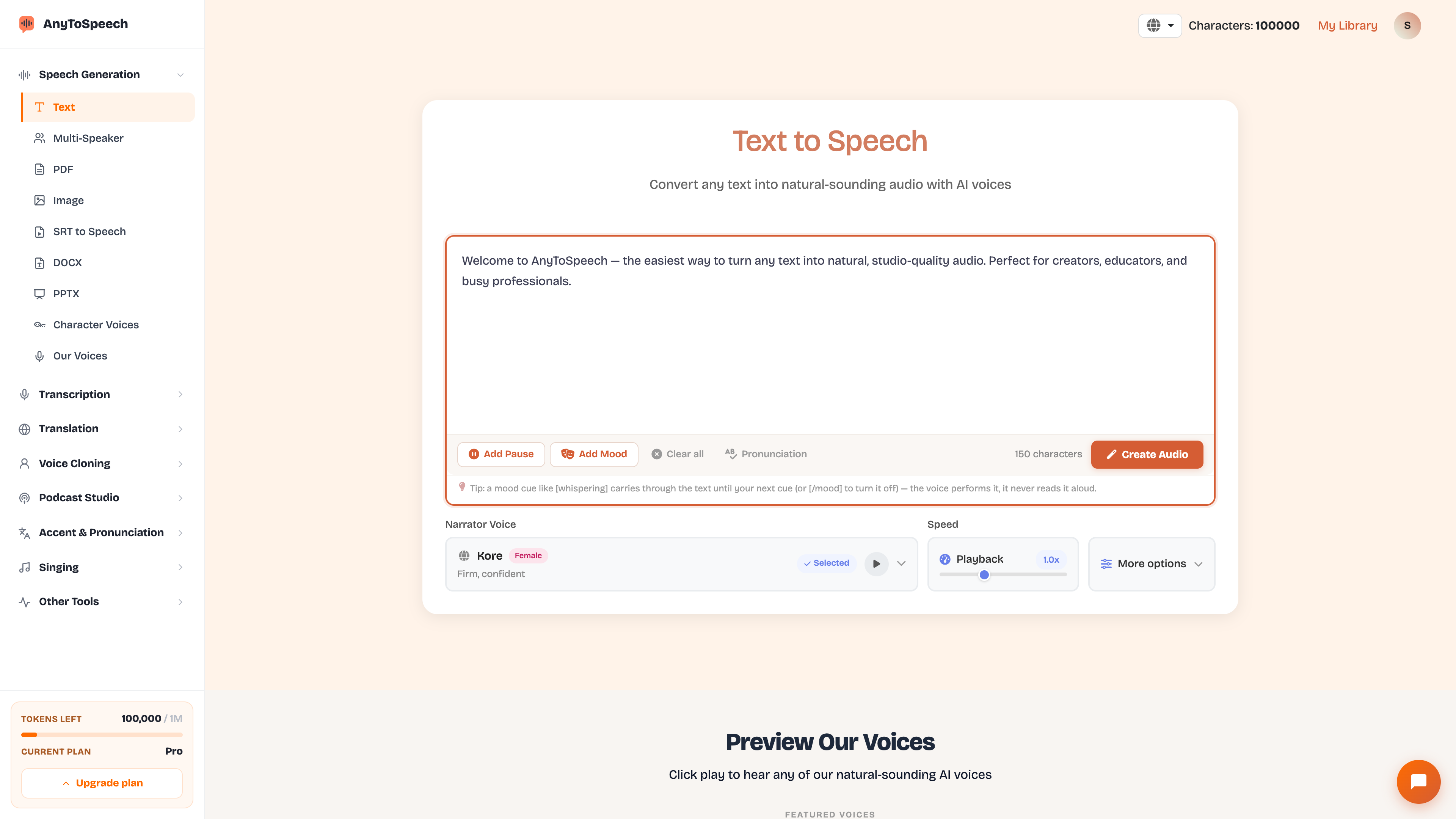
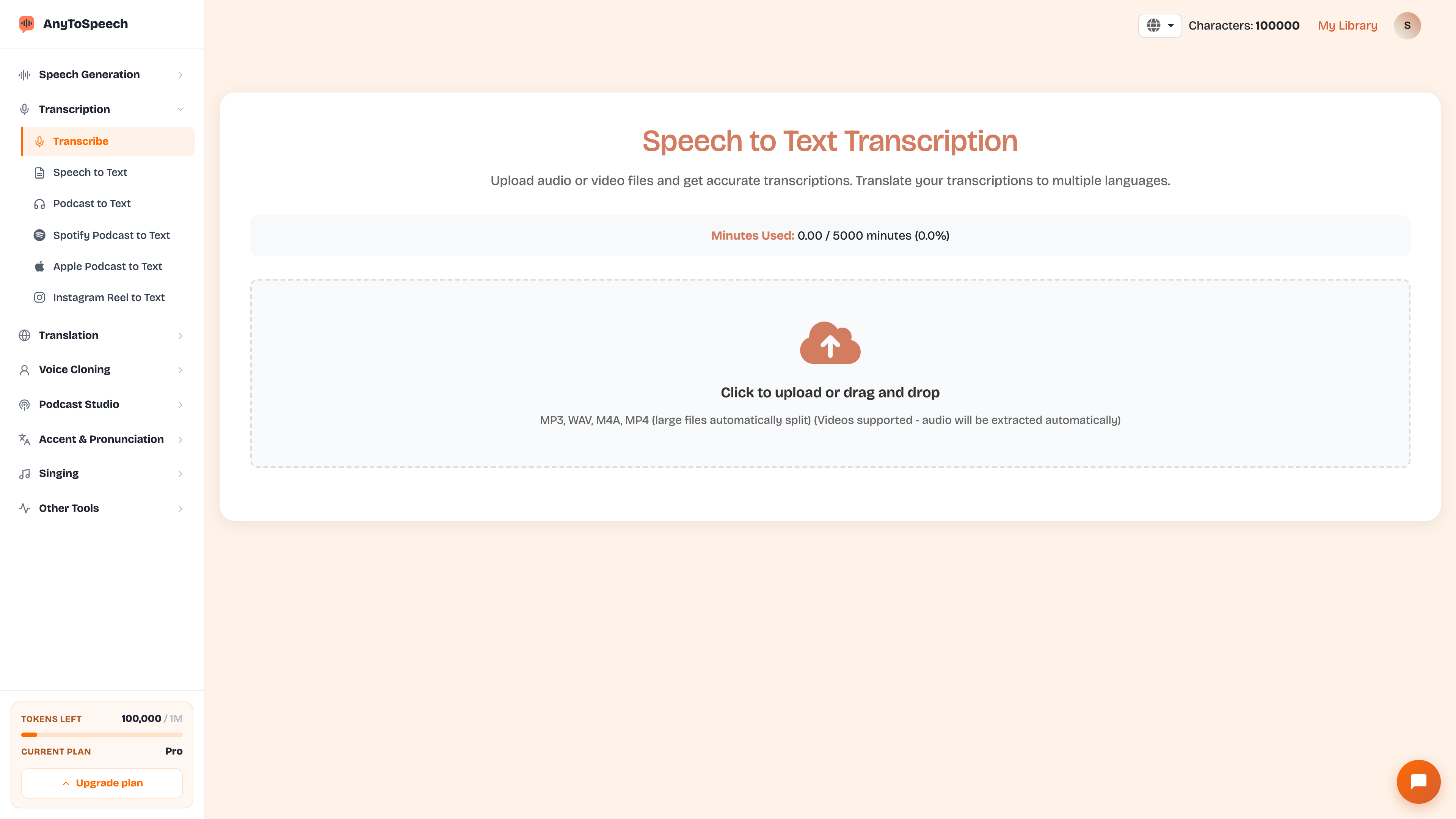
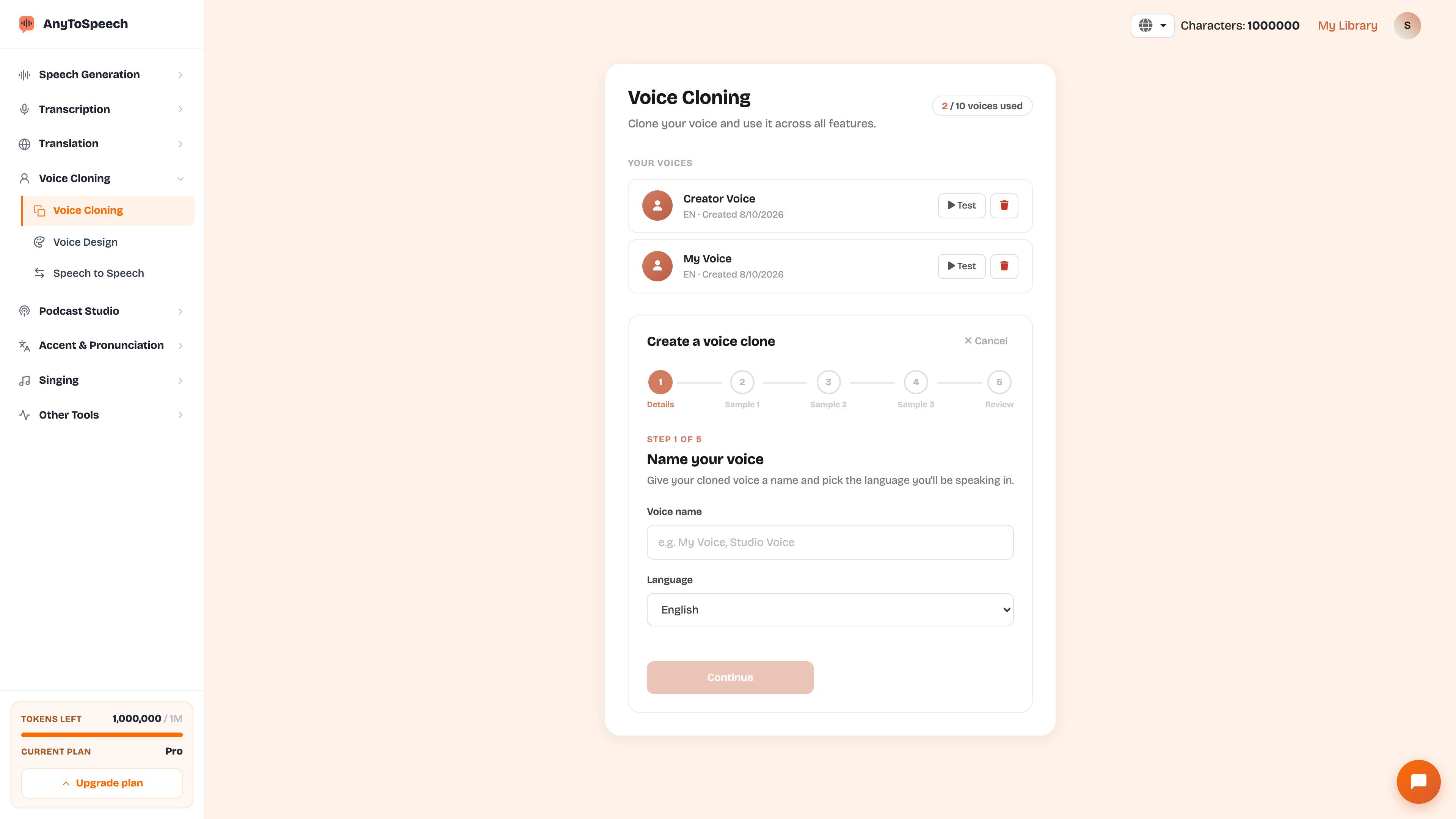
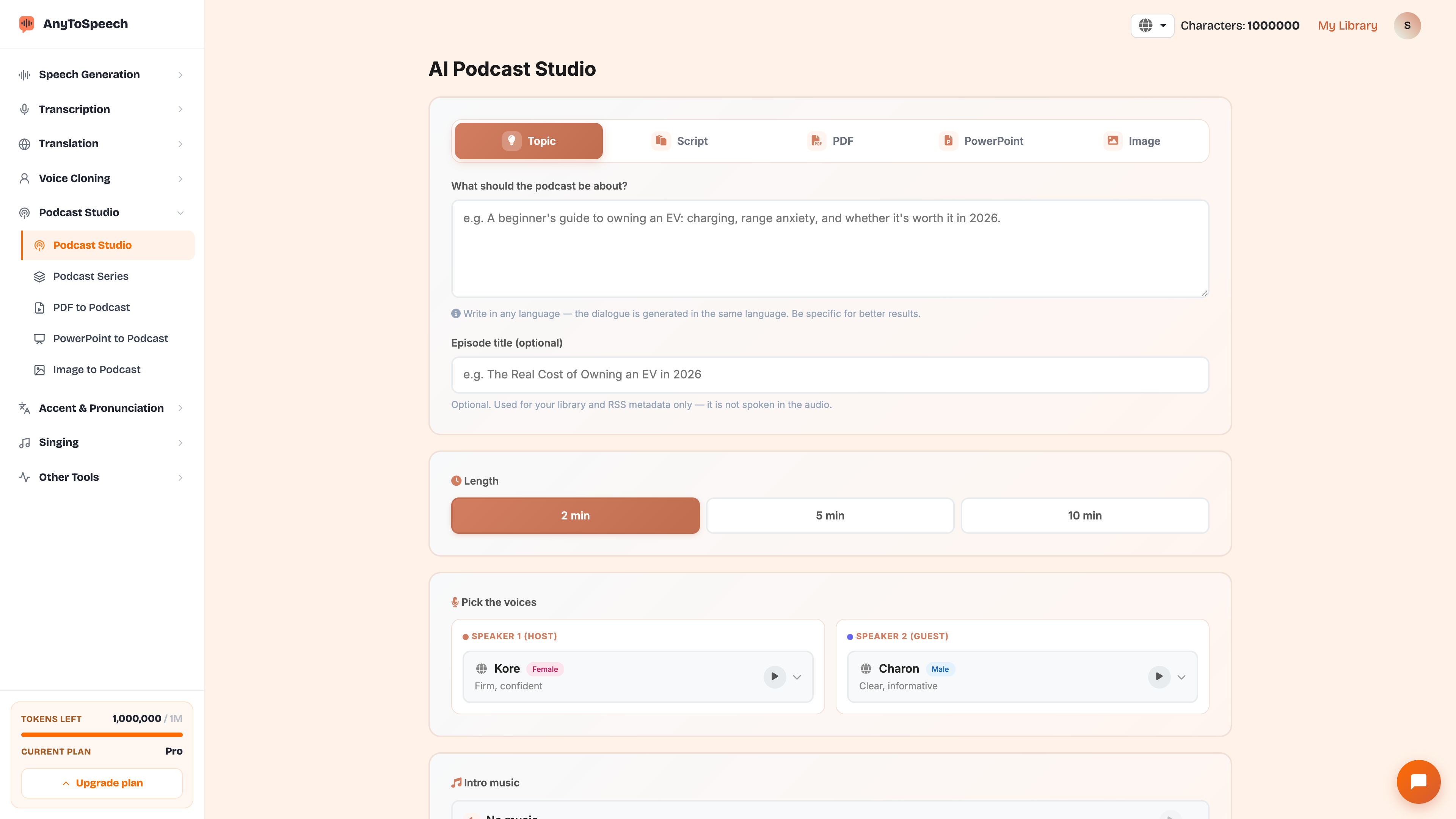
It's a Model Context Protocol server that lets AI assistants (ChatGPT, Claude, Cursor, VS Code, Perplexity, Meta Muse and more) call AnyToSpeech on your behalf: text to speech, transcription, translation, voice cloning, podcasts and more.
Do I need a separate API subscription?
No. MCP usage draws from your existing AnyToSpeech account — the same credits, transcription minutes, and plan limits you use on the website.
How do I connect Cursor?
Click Add to Cursor on the integrations page, then click Connect next to AnyToSpeech in Cursor Settings → Tools & MCP and sign in. No key needed.
Does it work with ChatGPT, Claude, Perplexity and Muse?
Yes. In ChatGPT and Claude, add a custom connector with the server URL, sign in to AnyToSpeech and click Allow. No key needed. Perplexity and Meta Muse use an integration key, which you create in one click on the integrations page.
Is my data safe?
You approve exactly which permissions each app gets. Signed-in apps appear under Connected apps and keys under Integration keys on the integrations page. Disconnect or revoke anytime and access stops immediately.
Where is the MCP server URL?
https://anytospeech.com/api/mcp — paste it into your assistant and sign in. It's also on your integrations page.

 Português (Brasil)
 Português (Portugal)
 Deutsch
 Français
 Español
 العربية
 Italiano
 Nederlands
 日本語
日本語 Русский
 Türkçe
 Hrvatski
 Svenska
 Čeština
 한국어
한국어 Ελληνικά
 Polski
 ไทย
ไทย עברית
עברית Dansk
Dansk Suomi
Suomi Norsk
Norsk Română
 Українська
 Bahasa Indonesia
 中文 (简体)
 中文 (繁體)
 Tiếng Việt
 Filipino
 हिन्दी