File format
WAV to Text — Transcribe WAV Free
Upload a recording and convert speech to text. Same recognizer as the rest of AnyToSpeech — free daily quota, no install.
Fast upload
Audio + video
SRT & VTT
Free to try
How it works
- Upload or enter your input.
- We process it with speech recognition.
- Preview and download the result.
Free WAV to Text online
WAV to Text uses the same speech-to-text engine as our other transcription tools. Upload, wait a few seconds, then copy or download the text.
The free preview is capped so you can test accuracy before you subscribe. Paid plans remove the daily limit and include commercial use.

AnyToSpeech
Upload a file. Get the text.
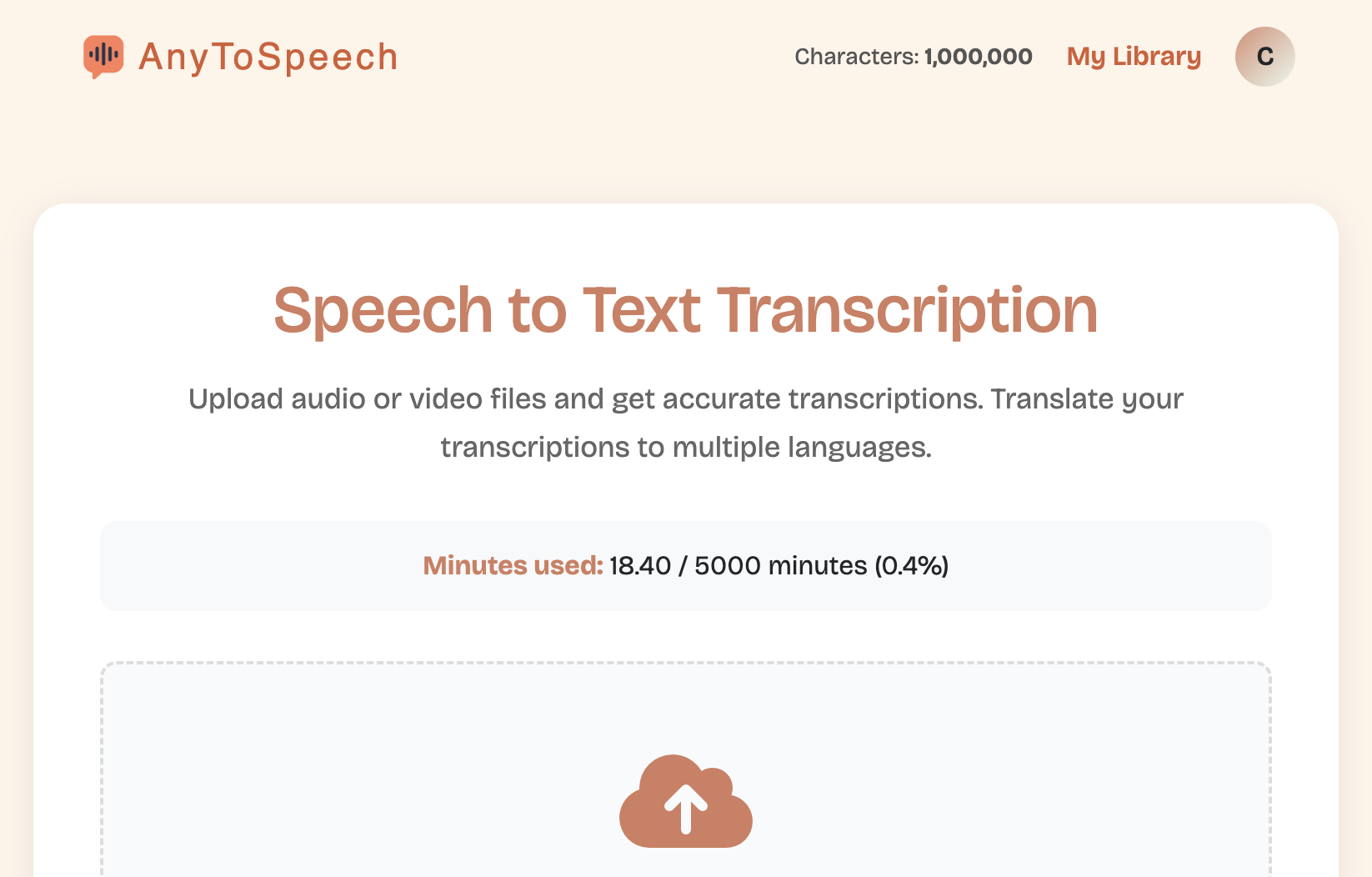
Drop audio or video, transcribe it, copy or download. You can also translate the transcript.
- Works with MP3, WAV, M4A, MP4, and more.
- Download the text or captions (SRT / VTT).
- Translate the audio transcript into other languages.
Open transcription
What people transcribe
Meetings and Zoom
Turn call recordings into searchable notes without typing.
Lectures and interviews
Capture every question and answer from class or research audio.
Captions and SRT
Jump to Audio to SRT or Video to SRT when you need subtitle files.
Voice memos
Dump WhatsApp, voicemail, and phone notes into text you can edit.
Frequently asked questions
Is this free?
Yes. There is a generous free daily limit. Paid plans remove the cap.
Do I need an account?
No. Try it first, then create an account if you want saved files and higher limits.
What happens to my files?
They are processed and then deleted. We do not train models on your uploads.
Can I use the output commercially?
Paid plans include commercial usage. The free preview is for personal testing.
Related tools
More transcription landings — same engine, different starting point.

 Português (Brasil)
 Português (Portugal)
 Deutsch
 Français
 Español
 العربية
 Italiano
 Nederlands
 日本語
日本語 Русский
 Türkçe
 Hrvatski
 Svenska
 Čeština
 한국어
한국어 Ελληνικά
 Polski
 ไทย
ไทย עברית
עברית Dansk
Dansk Suomi
Suomi Norsk
Norsk Română
 Українська
 Bahasa Indonesia
 中文 (简体)
 中文 (繁體)
 Tiếng Việt
 Filipino
 हिन्दी